PRGRM GUIDE / 5 min read
Train and track your progress
Start a saved or purchased program, set your schedule, log workouts, and review your actual results.
Set up your program
Sign in and open TRAIN → Programs. Choose an available saved or purchased program, then open its setup.
- Review the program outline and first workout.
- Choose a start date. Use Adjust schedule to select training days when needed.
- Select Start program. Open the next session with Start workout, or use Resume workout for an unfinished session.
Log a workout
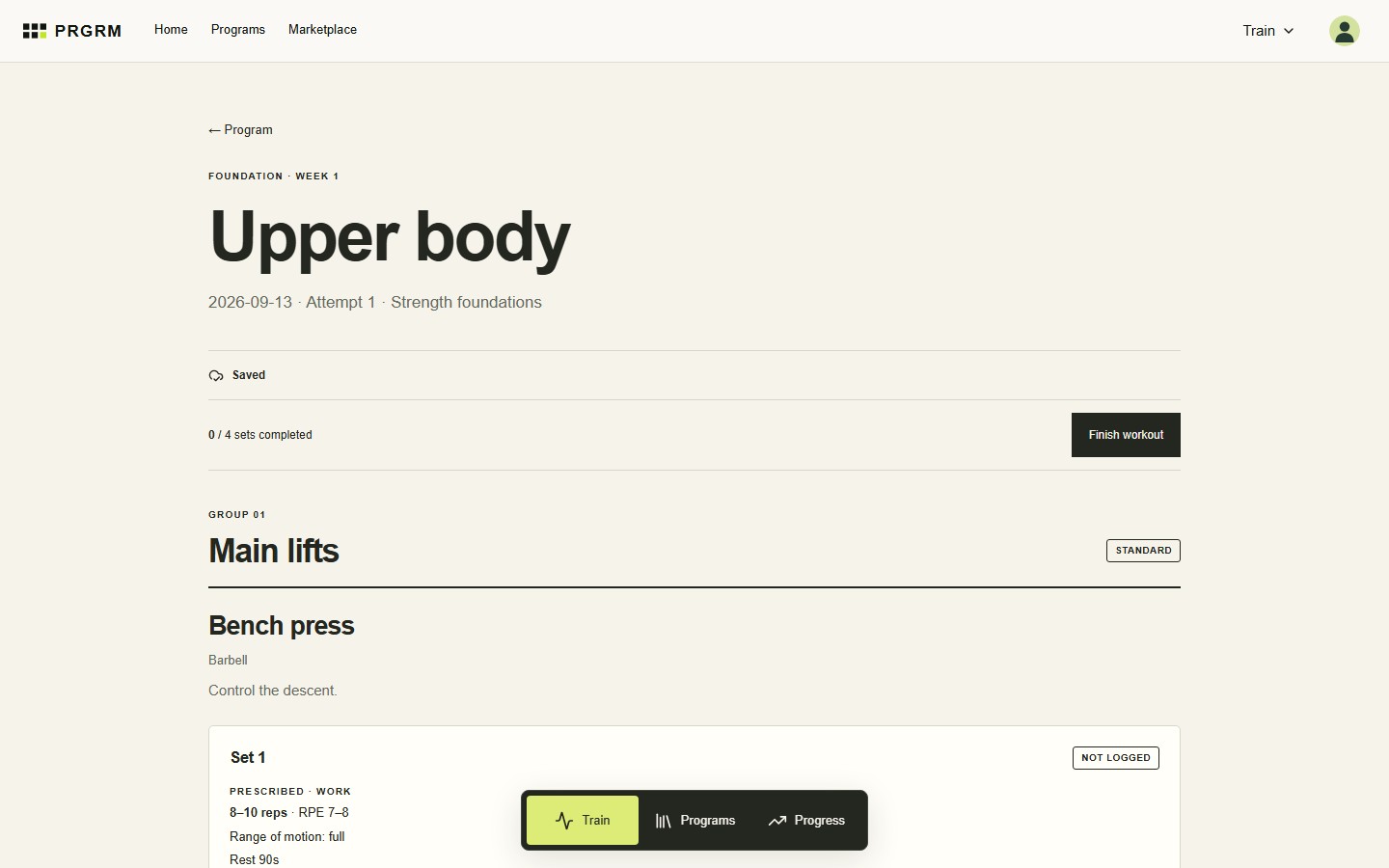
Each set shows the prescription and fields for your actual results. Enter reps, resistance, and effort where relevant. For per-side sets, record the value performed on each side without doubling it.
Select Complete for a performed set or Skip for one you did not do. You can complete a set without numbers: blank fields stay unrecorded, while a zero is saved as a result. Add set or workout notes for useful context.
Finish and sync
Choose Finish workout and review any unfinished sets. Finishing early marks remaining sets as skipped; check the confirmation before continuing.
Watch the workout save status. Queued changes sync while TRAIN is open and connected. If you see Finish pending sync, keep or reopen TRAIN with a connection and wait for confirmation. Use Retry sync if offered.
Review your progress
Open Progress for workout history, training volume, and exercise results. Use the From and To dates to focus on a period, or All dates to clear the filter.
TRAIN reflects what you logged. Use Analyze in BUILD when you want to review the plan’s prescribed workload and progression.