
PRGRM / HELP & RESOURCES
Less figuring it out.
More building.
Build your program. Make it your own. Share it and start training. Find practical steps and current desktop screenshots for every stage.
FIRST TIME HERE?
Build your first session, step by step.
Start with a name. Add a structure. Make it yours.
THE GUIDES
From your first session to your next release.
Getting started
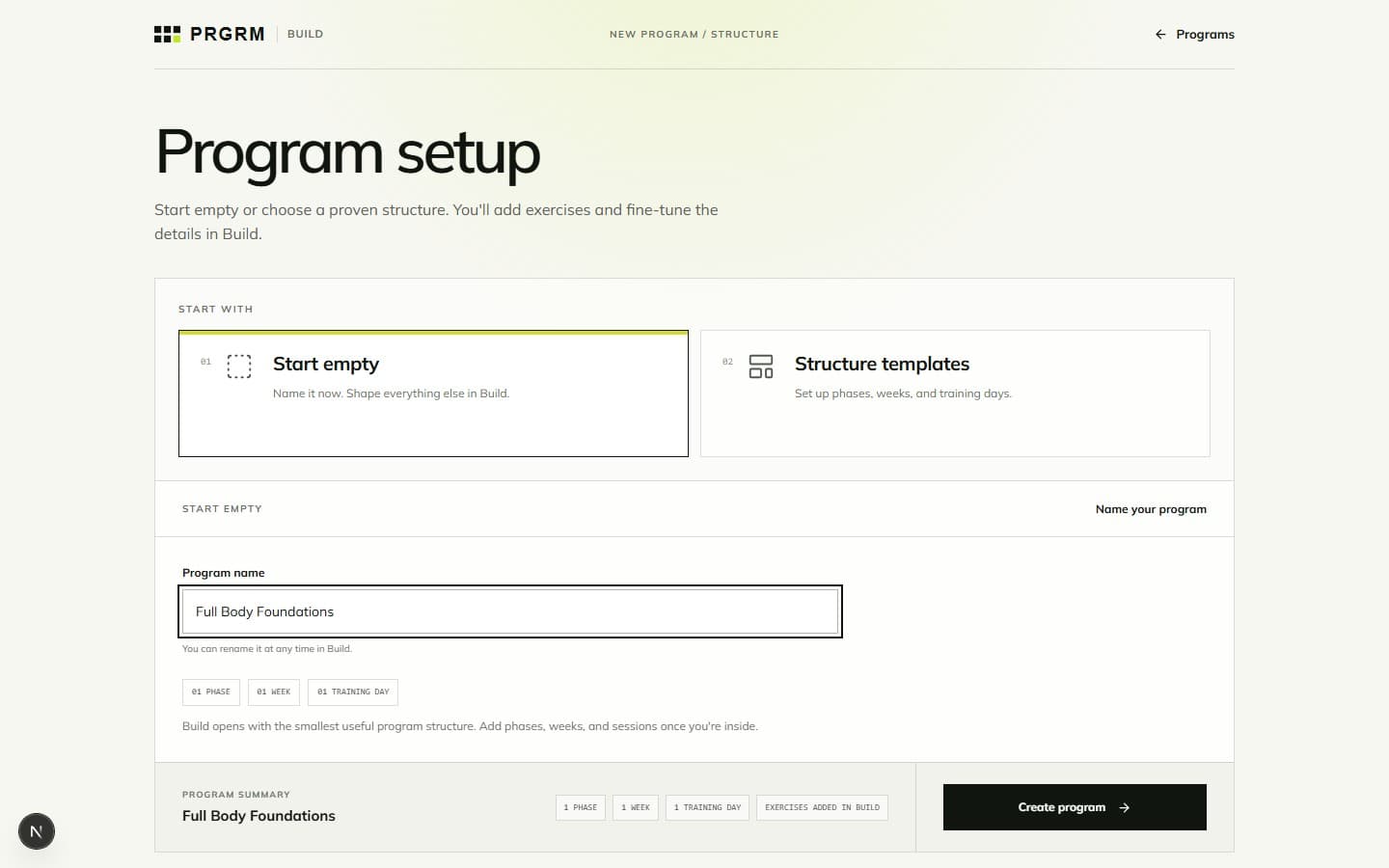
Building your program
 02
02Building your program · 5 min read
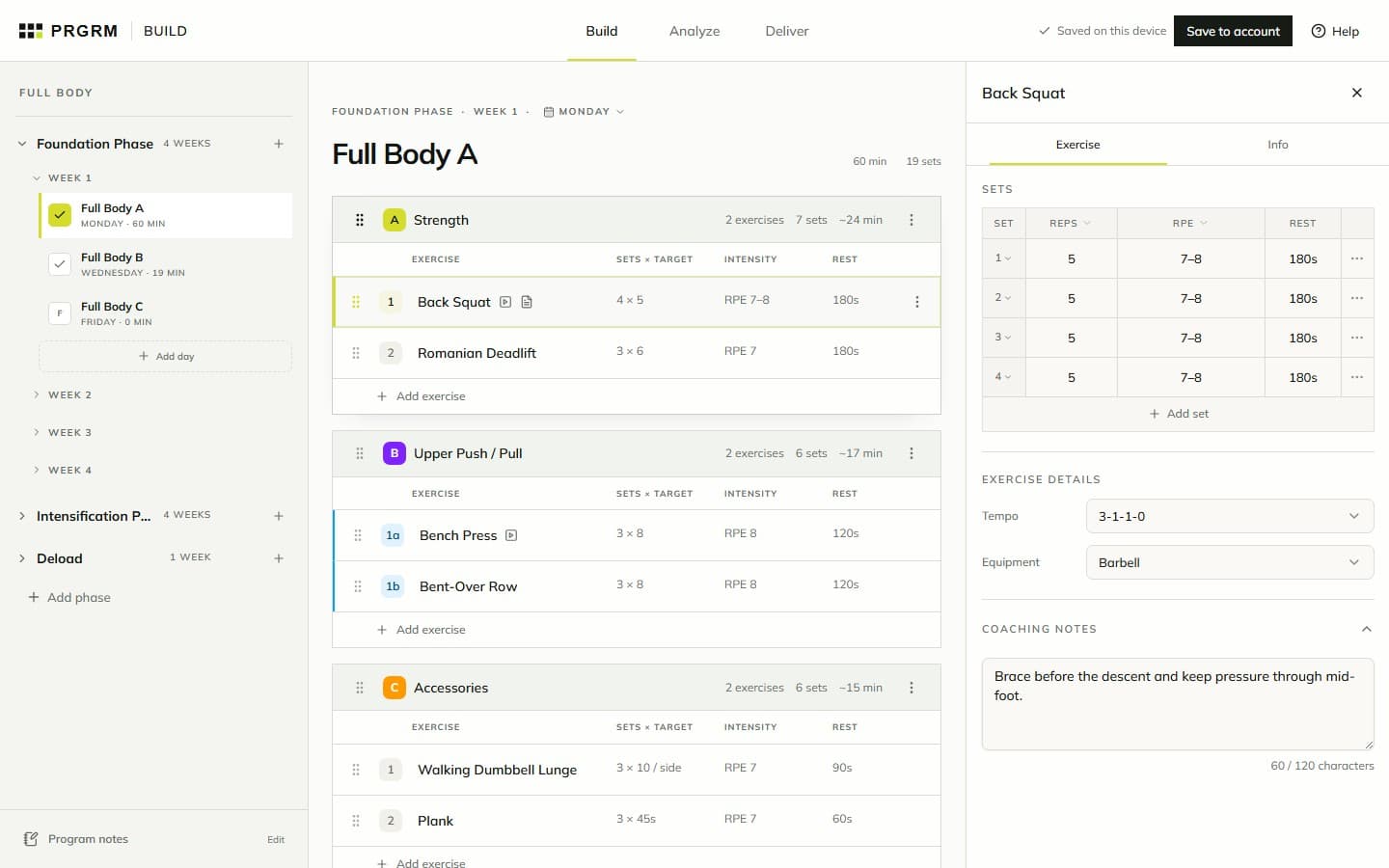
Add exercises and prescriptions
Find an exercise, set reps and intensity, and add the details that make a session usable.
 03
03Building your program · 4 min read
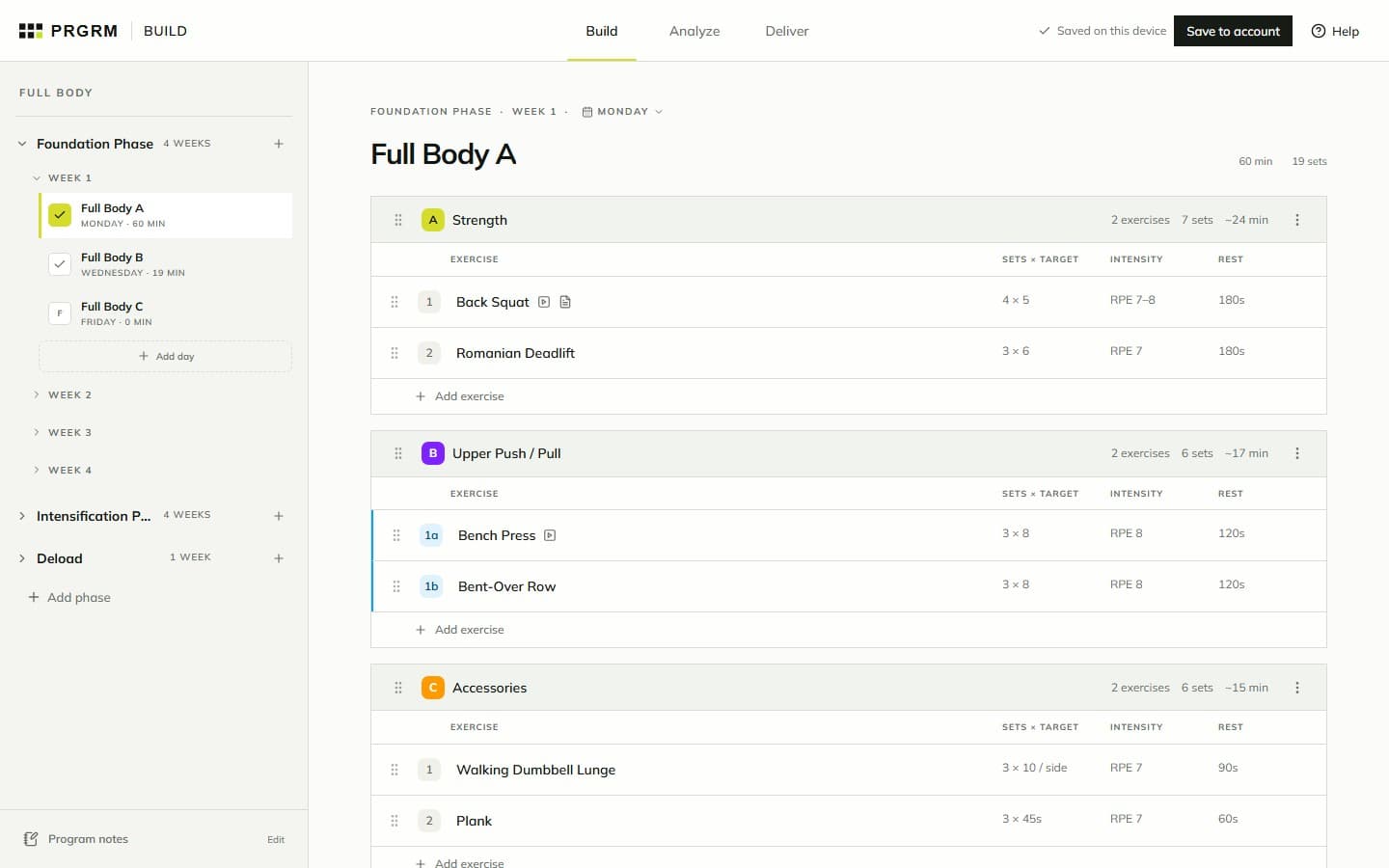
Organize phases, weeks, and days
Arrange training blocks, move sessions, and use Duplicate & progress to build the next weeks.
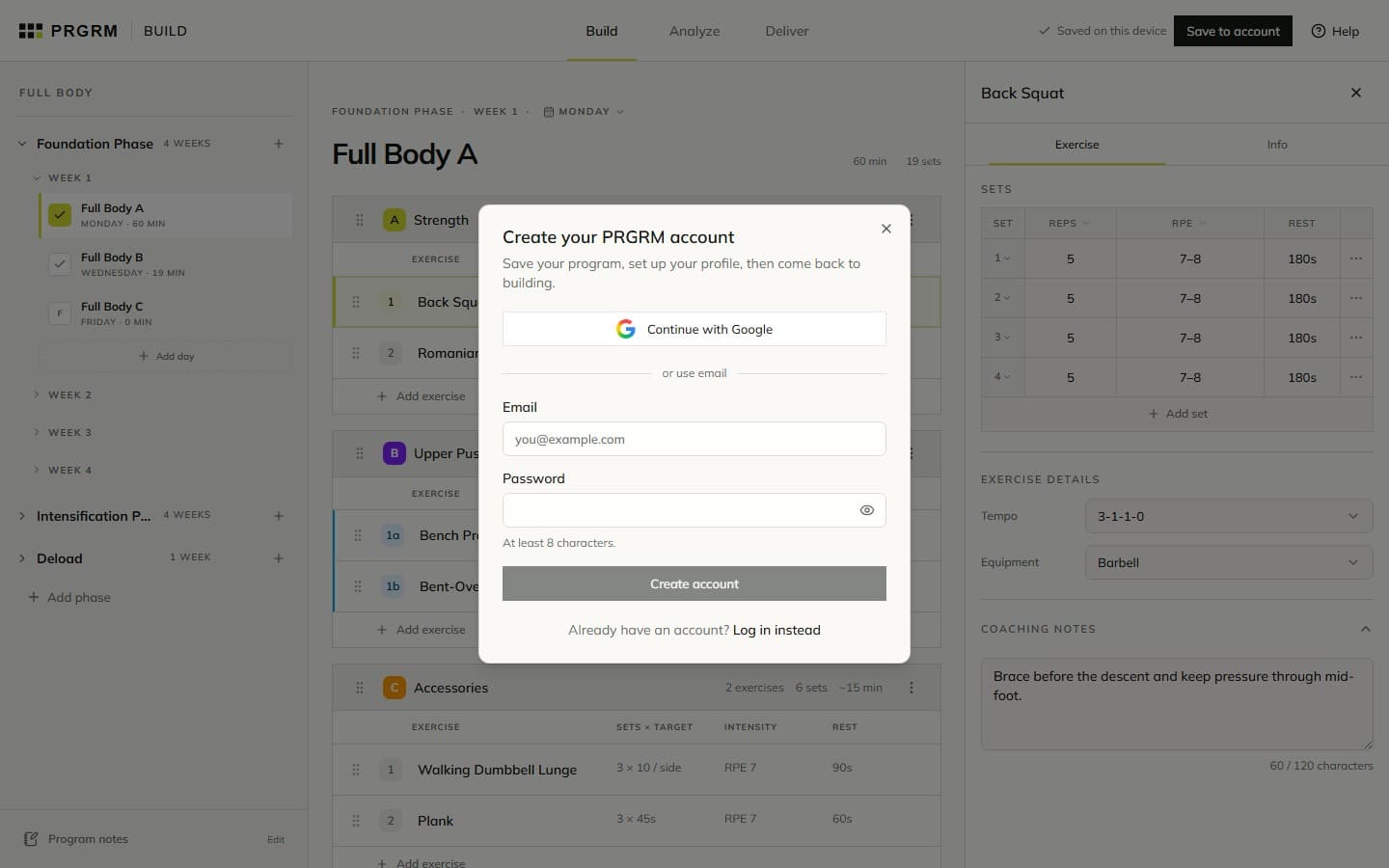
Saving your work
Review and delivery
 05
05Review and delivery · 4 min read
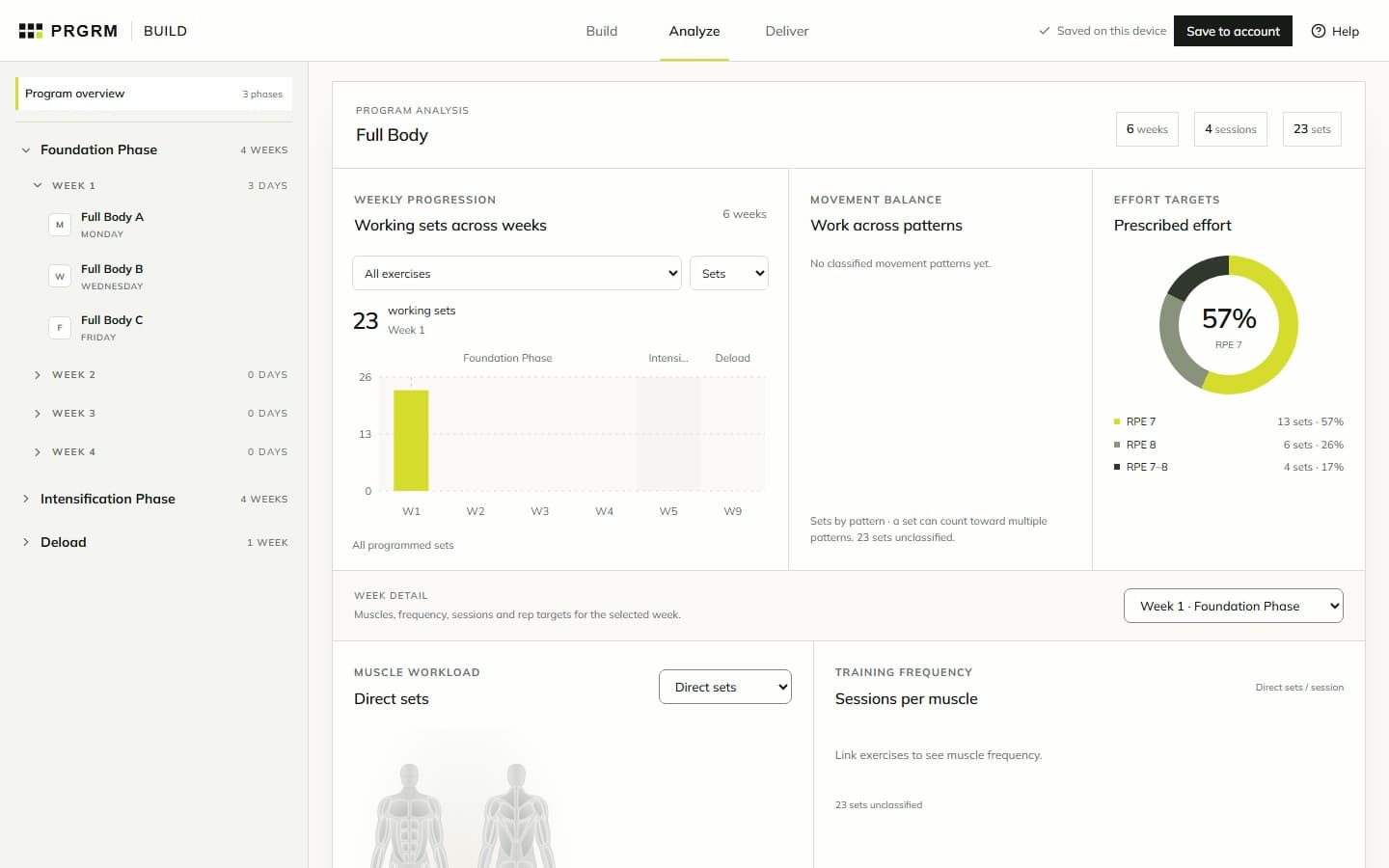
Review your program in Analyze
Review weekly progression, movement balance, muscle workload, and prescription checks.
 06
06Review and delivery · 5 min read
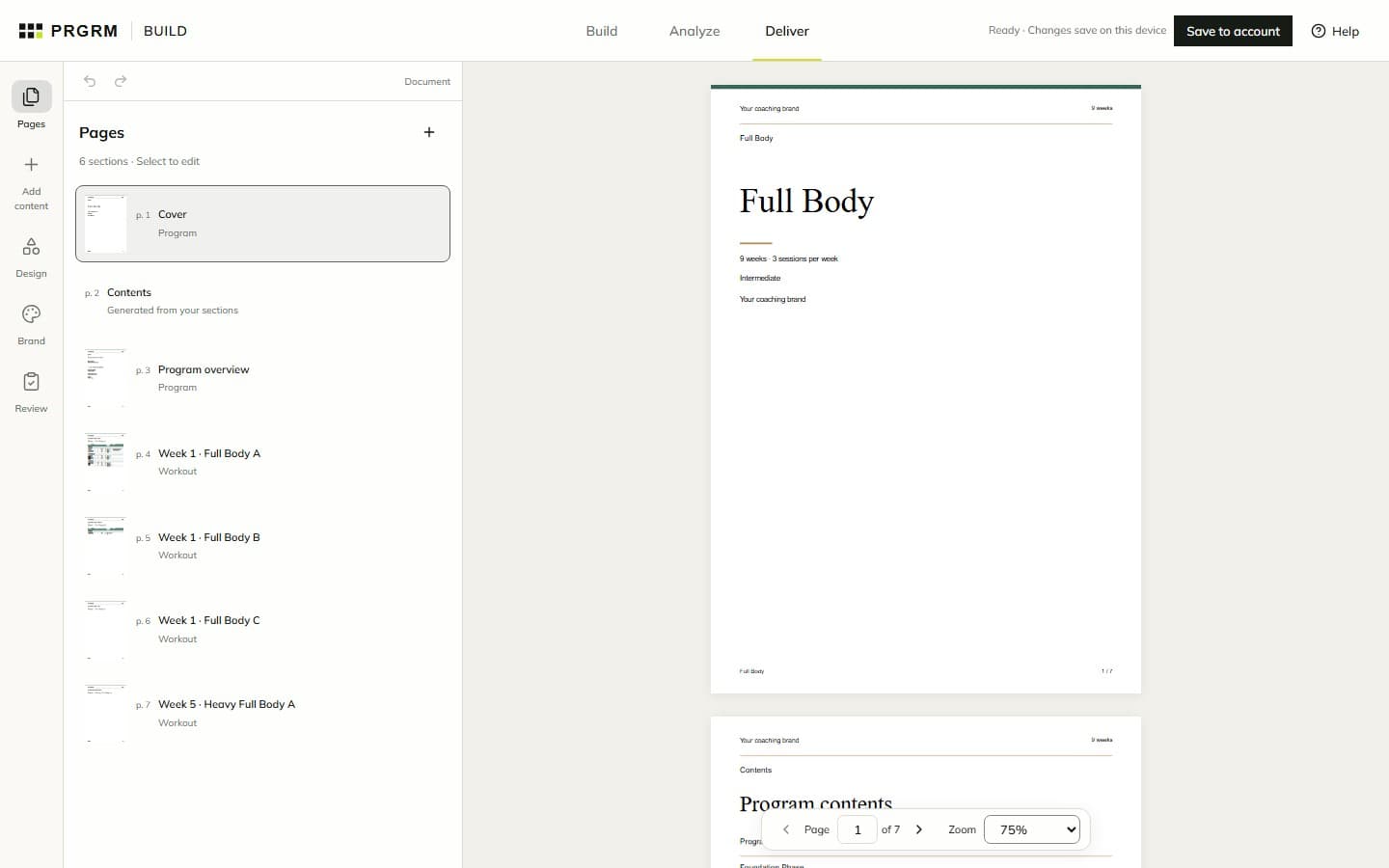
Design your program PDF
Use Pages, Add content, Design, and Brand to turn your workouts into a finished coaching document.
 07
07Review and delivery · 4 min read
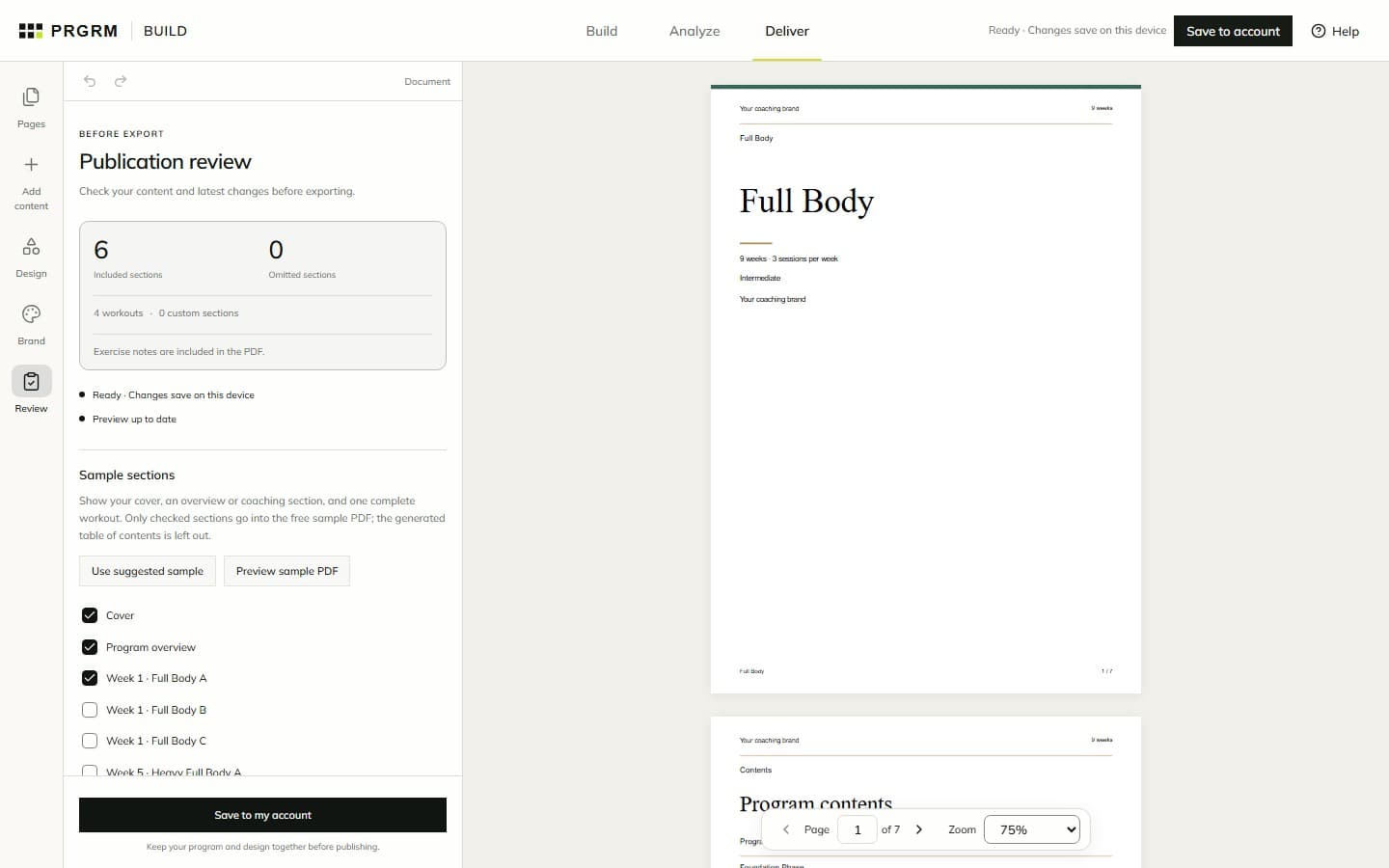
Review, export, and share
Check your document, preview a sample, and publish finished PDF, spreadsheet, and source files.
Publishing and marketplace
Training with PRGRM
GOOD TO KNOW
A few things worth knowing.
Do I need an account to start?
No. You can create and edit a program before signing in. Build keeps one recoverable draft in this browser. Choose Save to account when you want it saved to your account. Understand saving →
Is saving the same as publishing?
Saving keeps your work in your account. Build and PDF previews are free; publishing prepares finished files through a separate checkout. Marketplace selling is optional and a listing needs review before it goes live. Understand publishing →
Where do I record completed workouts?
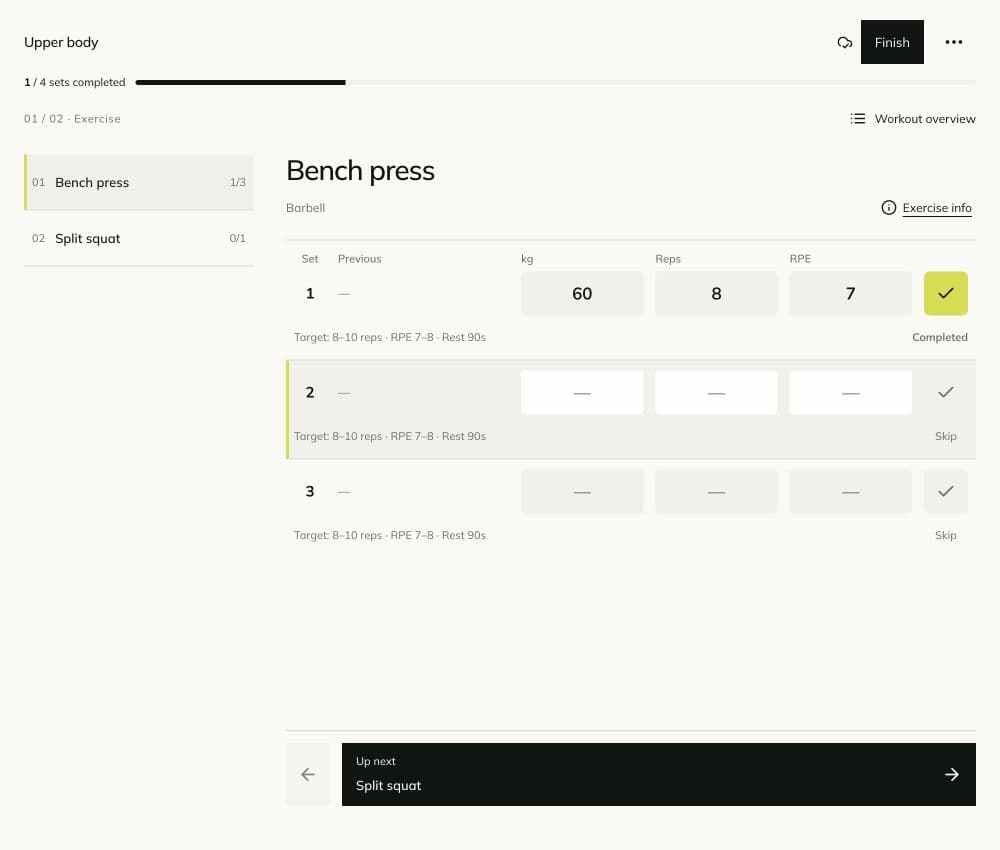
Use TRAIN to start a program, log actual results, and view your training history. Analyze in BUILD reviews the work you prescribed. Start training →
Do structure templates include exercises?
They include phases, weeks, and training days. You choose the exercises and prescriptions in Build. Explore setup →
Why does Analyze show empty weeks?
Creating a schedule does not fill every session with exercises. Empty weeks can have zero prescribed sets. Missing inputs and unlinked exercise data can also limit analysis; check the coverage message. Read the charts →
PUT IT INTO PRACTICE